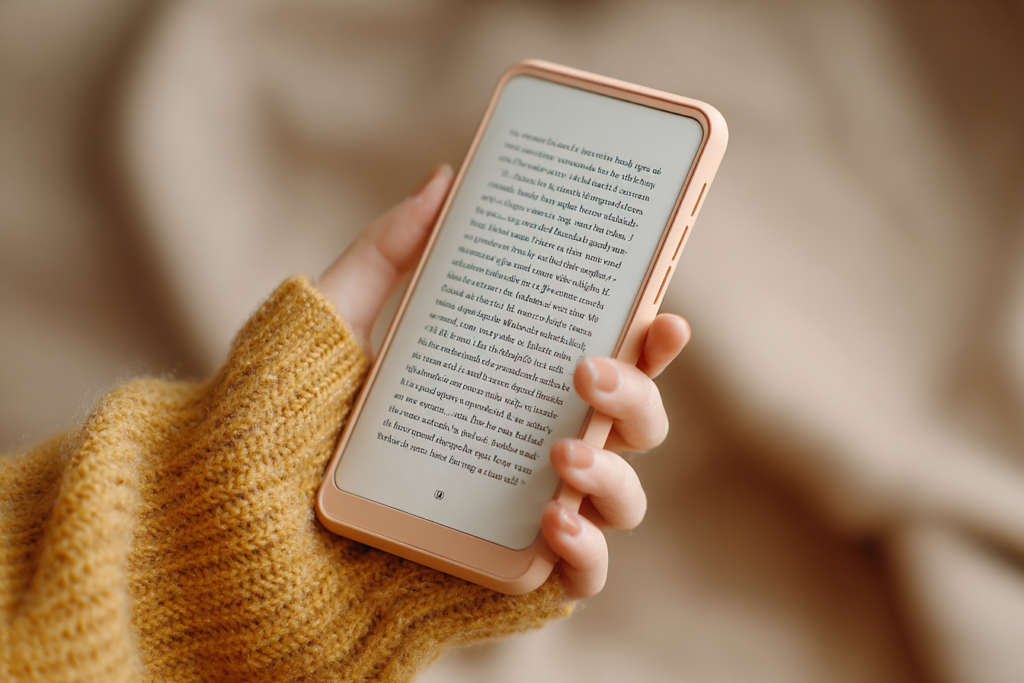
There’s a sentence I hear at every market and book event: “Oh, I just prefer print books.” That’s a whole different discussion, and one I’ll tackle another day.
But when I mention that all my books are available as ebooks, and that some of them are only available as ebooks, I often get the same horrified expression. Then comes the follow-up: “I tried reading on my phone once. The screen was too small. There wasn’t enough text. I had to keep swiping over and over and over…”
And they give a little shudder, as if I had suggested reading War and Peace through a keyhole.
I used to think this, too. Once upon a time, I read on a tablet because surely a phone screen was too small to read comfortably. Then I actually tried it. Now I read on my phone all the time.
The Secret About Phone Reading No One Tells You
Phone reading has all the usual advantages of ebooks:
- Ebooks are cheaper.
- You can carry your entire TBR pile with you everywhere.
- You can increase the font size and stop squinting or hunting for your glasses.
But reading on your phone has a few extra advantages that tablets and print books can’t compete with.
Your phone is always with you.
You don’t have to remember to bring it. You don’t have to shove it into your bag. You don’t have to think ahead.
You’re standing in line at the grocery store? Read a chapter. Waiting in the doctor’s office? Read three pages.
Stuck in the car while your spouse “just pops into the hardware store for one thing”? You can get halfway through a chapter before they come back out with three bags and a new ladder.
Holding a Book In One Hand Is a Marvel of Modern Civilization
This is the part that changed everything for me. Your phone fits into one hand. That means you can curl up in bed, or on the couch, or in your favourite reading chair, and hold the entire book in one hand.
No balancing a paperback open with your thumb while the pages keep trying to spring shut. No holding up a heavy hardcover that slowly makes your wrists ache.
No tablet that requires both hands and a careful balancing act if you’re also trying to drink tea.
And best of all: if you fall asleep while reading, your phone won’t break your nose when it lands on your face. A paperback will merely insult you. A tablet will attempt murder.
The Tiny Trick That Makes Phone Reading Effortless
Most people who hate reading on a phone have only ever tried swiping. Swipe, swipe, swipe. After about five minutes, it feels like you’re sanding a table.
But nearly every reading app lets you turn your phone’s volume buttons into page-turn buttons. That means instead of constantly swiping, you just rest your finger on the volume key and press lightly to move to the next page.
That’s it.
Barely any movement. No awkward thumb gymnastics. No shifting your grip every thirty seconds. It is astonishing how much difference this makes.
Once I discovered this setting, phone reading stopped feeling like work and started feeling exactly like reading.
“But There’s Hardly Any Text on the Screen!”
Yes. There isn’t much text on the screen at one time. That’s true. And it doesn’t matter.
Honestly, it doesn’t.
Once you’ve figured out easy page-turning, your brain stops noticing how much text is visible. After about ten minutes, you’re no longer reading a tiny screen. You’re inside the story.
You stop noticing the page turns in exactly the same way you stop noticing turning pages in a paperback. You don’t read by measuring how many words are on the page. You read by following the story.
The story still works. In fact, because the text is larger and clearer, sometimes it works better.
Don’t Trust Me. Try It.
Actually, don’t take my word for it. Try it for yourself. Install a reading app on your phone. I like Google Play Books (and if you have an Android phone, the app is pre-installed), although if you buy all your books from one retailer you may need to use their app.
Pick a book you already enjoy and make a deal with yourself: You will read at least three chapters on your phone.
Before you begin, poke around in the settings and see if you can set the volume buttons to turn pages. Most apps have the option somewhere.
Then read. Not for two minutes. Not for half a page while muttering “I hate this.” Give it three chapters.
I suspect that somewhere around chapter two, you’ll stop noticing the screen size completely. And then you may discover the dangerous truth: Your entire library has been sitting in your pocket all along.
Now available for preorder:
Even More Time Kissed Moments
Camlann
Latest releases:
Before, After, Always
Kiss Across Time Box Three
The Grail and Glory